
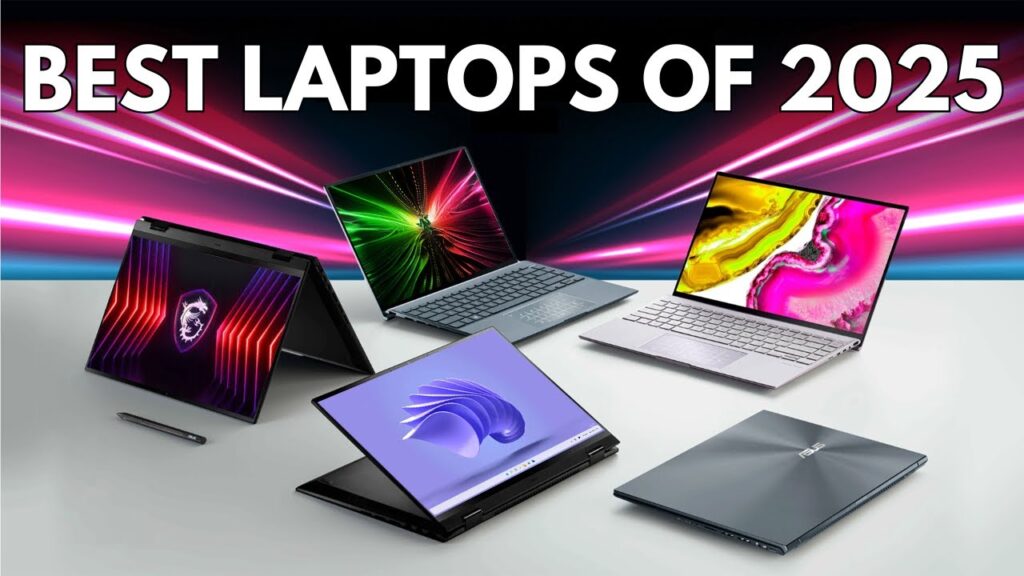
Technology evolves fast, and laptops are no exception. In 2025, we’re seeing a wave of devices that blend performance, portability, and innovation better than ever before. Whether you’re a student, creative professional, gamer, or business user, there’s a laptop built for your exact needs.
This guide explores the best laptops to use in 2025, what features actually matter, and how to find the one that fits your lifestyle.
What to Look for Before You Buy
Buying a laptop in 2025 is more about understanding your needs than chasing specs. Here are the main factors to consider before making a purchase:
1. RAM and Storage
Gone are the days when 8 GB of RAM was enough. For modern multitasking, 16 GB is the new standard. If you run design tools, games, or multiple tabs at once, consider 32 GB or more. Pair it with an SSD — ideally 512 GB or 1 TB — for faster performance and smooth boot times.
2. Processor (CPU)
Intel’s 14th Gen, AMD Ryzen 8000 series, and Apple’s M3 and M4 chips dominate the 2025 market. These processors offer better power efficiency and AI optimization. For heavy users, look for Intel Core Ultra or Apple M4 for best-in-class performance.
3. Display Quality
A high-quality display makes a massive difference, especially if you work long hours or edit visuals. Full HD (1920×1080) is the minimum, but QHD or 4K OLED panels deliver sharper images and vibrant colors. Touchscreens are also common, but they add cost and reduce battery life slightly.
4. Battery Life
Efficiency matters. A good laptop in 2025 should last at least 8 to 10 hours on a single charge. Apple MacBooks and certain Windows ultrabooks now easily cross 12 hours, making them ideal for professionals who travel or attend long meetings.
5. Build and Portability
Materials like aluminum or magnesium alloy give premium laptops a professional feel without extra weight. If you move around frequently, go for something under 1.4 kg with a slim profile — ideally 13 to 14 inches in size.
6. Connectivity and Ports
Check for at least two USB-C ports, HDMI, and a headphone jack. Thunderbolt 4 or USB 4 support ensures faster data transfer and the ability to connect external monitors or GPUs.
Best Laptops to Use in 2025
Here are the top laptop categories and models worth considering this year:
1. Best Overall Laptop: Apple MacBook Air M3
Apple’s MacBook Air M3 continues to set the standard for performance and portability. It features Apple’s new M3 chip, which delivers impressive battery life and power for its size. The Liquid Retina display, fanless design, and sleek aluminum body make it a perfect all-rounder for students and professionals alike.
Key Highlights:
- Apple M3 chip with 8-core CPU and 10-core GPU
- Up to 18 hours of battery life
- Lightweight (around 1.2 kg)
- Exceptional trackpad and keyboard experience
Ideal for: Students, business users, and everyday multitasking.
2. Best Windows Laptop: Dell XPS 14 (2025 Edition)
The Dell XPS lineup remains a favorite for Windows users, and the 2025 XPS 14 takes it further. With its edge-to-edge OLED display and Intel Core Ultra processor, it combines design and power seamlessly. The carbon fiber body and thin bezels give it a premium, minimalist look.
Key Highlights:
- Intel Core Ultra processor
- 16 GB to 32 GB RAM options
- Stunning 3K OLED display
- Long-lasting battery and solid build
Ideal for: Creative professionals and corporate users who prefer Windows.
3. Best Gaming Laptop: ASUS ROG Zephyrus G16
For gamers, the ASUS ROG Zephyrus G16 is one of the best laptops in 2025. It strikes the perfect balance between gaming power and portability. With the NVIDIA RTX 4070 GPU and AMD Ryzen 9 processor, it can handle the latest titles smoothly.
Key Highlights:
- 240 Hz QHD+ display
- Advanced cooling system
- RGB backlit keyboard
- 32 GB RAM and up to 2 TB SSD
Ideal for: Gamers and streamers who also want a sleek, travel-friendly machine.
4. Best Budget Laptop: Acer Swift Go 14
The Acer Swift Go 14 proves you don’t have to spend a fortune to get quality. It’s powered by Intel’s latest Core i5 processor and offers solid performance for daily work, streaming, and school projects. The lightweight chassis and fast charging make it a reliable everyday laptop.
Key Highlights:
- Intel Core i5 (14th Gen) processor
- 16 GB RAM and 512 GB SSD
- 14-inch Full HD display
- Quick charging and Wi-Fi 7 support
Ideal for: Students and professionals on a budget.
5. Best Laptop for Creators: MacBook Pro M4
For photographers, designers, and video editors, the MacBook Pro M4 is the top-tier choice in 2025. Apple’s M4 chip provides remarkable processing power and GPU performance for heavy creative workflows. The mini-LED display is perfect for color-accurate work, while the battery easily lasts over 15 hours.
Key Highlights:
- Apple M4 Pro or M4 Max chips
- Liquid Retina XDR display
- 120 Hz ProMotion refresh rate
- 1 TB to 8 TB SSD options
Ideal for: Creatives and professionals who demand peak performance.
6. Best Lightweight Laptop: HP Spectre x360 14
The HP Spectre x360 14 is a convertible laptop that doubles as a tablet. Its 2-in-1 flexibility, combined with powerful Intel Core Ultra chips and a beautiful OLED screen, makes it one of the best portable devices in 2025.
Key Highlights:
- 2-in-1 convertible design
- Intel Core Ultra processor
- OLED touchscreen display
- Premium aluminum build
Ideal for: Users who travel frequently or need versatility between work and entertainment.
Final Thoughts
Laptops in 2025 are faster, lighter, and more capable than ever. Whether you choose macOS or Windows depends mostly on your workflow preferences MacBooks dominate in battery and display, while Windows laptops offer wider customization and better value across price ranges.
If you’re a student, the MacBook Air M3 or Acer Swift Go 14 are solid investments. For creators, the MacBook Pro M4 or Dell XPS 14 will deliver unmatched performance. And if gaming is your focus, the ASUS ROG Zephyrus G16 remains one of the most balanced choices on the market.
No matter which model you pick, focus on long-term reliability, upgradability, and user experience. A good laptop should not just run your software — it should make your daily workflow faster and more enjoyable.